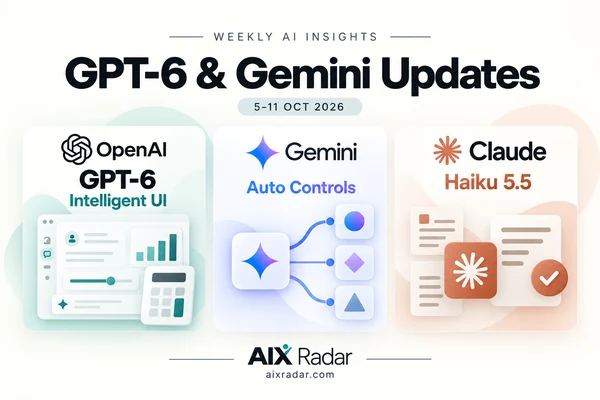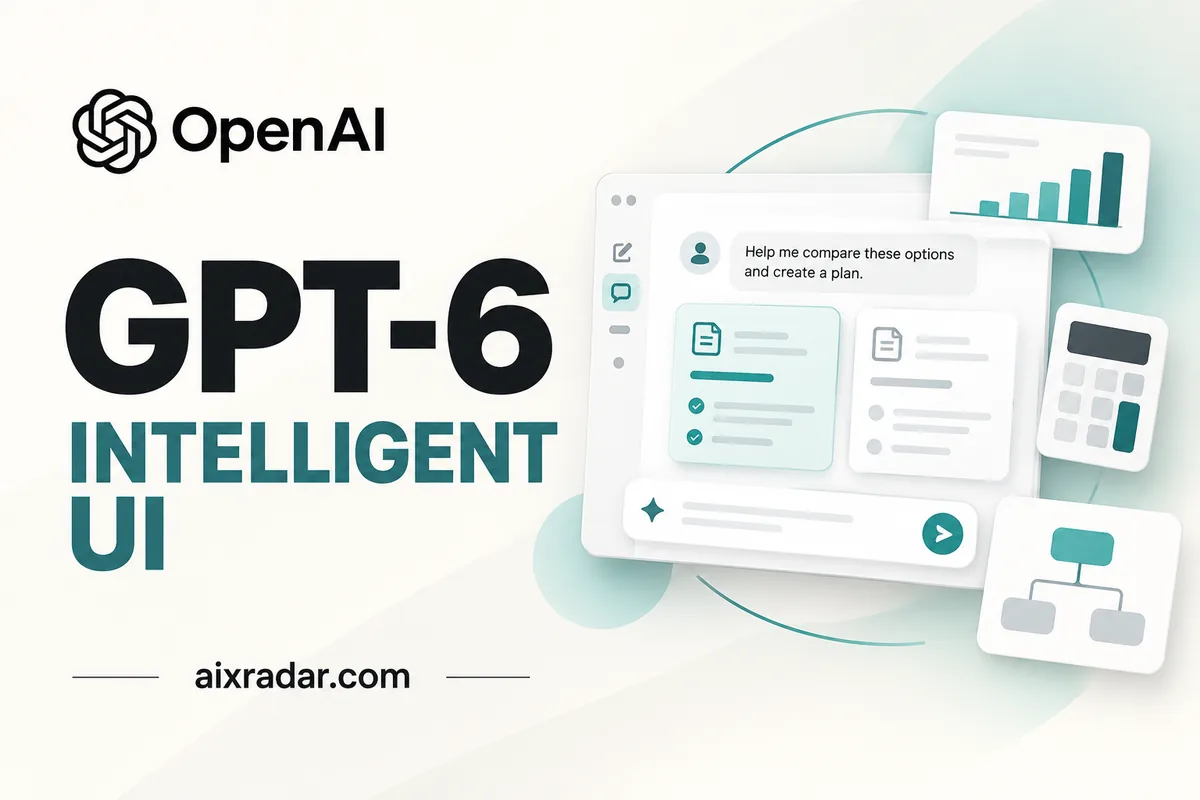

OpenAI announced GPT-6 with Intelligent UI in ChatGPT on 7 October 2026, introducing answers that can combine explanations with visual and interactive elements. For everyday users, the practical change is being able to explore an answer or use a small tool inside the conversation. Access is rolling out in stages. OpenAI launch announcement.
What is GPT-6?
GPT-6 is a family of OpenAI models. The family existed before this announcement: OpenAI previously introduced Astra, followed by Sol and Luna, with different balances of capability, speed and cost. The October update brings GPT-6 models tuned for everyday conversation into ChatGPT’s Chat experience. Earlier GPT-6 family announcement, ChatGPT release notes.
GPT-6 is the model label in eligible Chat accounts; Intelligent UI describes the answer experience. Your subscription determines available options. The Pro subscription and Pro reasoning setting are separate things.
The useful question is whether an answer helps you complete a task accurately. A polished chart still needs sound information behind it; an attractive calculator still needs the correct formula.
What is Intelligent UI?
Intelligent UI lets ChatGPT shape an answer around the question. OpenAI describes responses with graphics, charts, buttons, forms and interactive components. The model chooses the format, while plain text remains available when appropriate. OpenAI’s explanation.
OpenAI says a library of native components lets the interface appear progressively, before the whole response is finished. How Intelligent UI works.
Everyday examples and prompts to try
OpenAI demonstrates comparisons, diagrams, calculators, bill splitters and games. Official release notes.
Here are illustrative prompts based on those capabilities, rather than AIX Radar testing results:
- Compare subscriptions: “Compare these two plans using the prices and limits I provide. Highlight which differences matter for my workload.” Supply current details so the comparison has a reliable starting point.
- Split an expense: “Create a bill splitter that lets me change the number of people and tip percentage. Show the calculation.” Check whether tax and tip apply to the amounts you intended.
- Understand a concept: “Explain probability with a visual example, then let me change one input.” Ask for a written explanation alongside the visual so you can check your understanding.
Look for easier exploration: change an assumption, inspect its effect and ask a follow-up question. These prompts do not guarantee a particular layout or correct result.
Who gets GPT-6, and how do you access it?
The launch schedule is:
| ChatGPT plan | Rollout starts | Model named in the launch |
|---|---|---|
| Free and Go | 8 October 2026 | GPT-6 Luna |
| Plus, Pro, Business and Enterprise | 7 October 2026 | GPT-6 Sol |
These dates mark the beginning of rollout, not guaranteed access for every account that day. OpenAI release notes.
Start in ChatGPT’s Chat tab on the web. For eligible paid accounts, look for GPT-6 in the model menu and choose an available thinking level. OpenAI’s help guide says mobile users should update their apps; older macOS and Windows ChatGPT desktop apps do not support Intelligent UI. Models and client guidance.
Intelligent UI works from Instant through Extra High where those levels are included. The Pro reasoning option uses Astra and does not support it. Business and Enterprise access also depends on workspace settings. Business guidance, Enterprise guidance.
Pricing and usage limits
Free users are included in the announced rollout. OpenAI lists ChatGPT Plus at US$20 monthly; API billing is separate. ChatGPT Plus pricing.
Intelligent UI has no separate quota; existing allowances apply. Documentation caveat: the help guide still names GPT-5.6 Luna for Free and Go, conflicting with the launch’s GPT-6 Luna schedule. Its model-specific wording therefore does not settle Free-tier GPT-6 access. Help guide.
What does it mean for students, creators and businesses?
The following are potential workflows to evaluate, not measured productivity improvements.
Students
A visual explanation could help you inspect a relationship. Ask for the steps, assumptions and a new problem to solve independently. Check answers against course materials and follow your institution’s AI-use rules.
Creators
Organize a content brief around audience, format and message, then request a visual comparison of possible directions. Before using an output, check brand fit and sources for factual claims.
Marketers
An interactive calculator could make campaign assumptions easier to inspect. Supply your budget and conversion figures, request visible formulas and explore scenarios. A scenario is not evidence that a campaign will achieve that result.
Small businesses
Start with a low-stakes task you already understand, such as comparing supplied software plans or estimating materials for a project. Check one calculation manually before trusting the rest. Treat the answer as a working aid; customer commitments and spending decisions still need your review.
ChatGPT for Teens and College Planner
In a separate 7 October announcement, OpenAI described ChatGPT for Teens as the default experience for accounts identified as under 18. It also previewed College Planner, a forthcoming tool for organizing application requirements, deadlines, tasks and financial-aid steps. OpenAI’s teen update.
The initial planned US experience targets students in grades 10–12 preparing for four-year colleges. Expansion to other countries and education pathways is planned, rather than currently universal.
OpenAI also announced flashcards and improvements to interactive quizzes. Its multi-photo notes capture is available on iOS, with Android support being developed. College Planner should complement guidance from counselors and families; this announcement does not establish an admissions outcome or a student subscription discount. Teen learning tools and College Planner.
What we still don’t know
The reviewed launch materials do not give a rollout completion date or confirm when every individual account will receive access. Free and Go documentation also needs reconciliation, as noted above.
API model prices are published: standard short-context rates per million text tokens are $2 input/$10 output for GPT-6 Sol and $0.10 input/$0.50 output for GPT-6 Luna. Tokens are chunks of text used for billing. Caching, long context, processing tiers and tools can change costs. Sol model documentation, Luna model documentation.
Those listings do not establish public API access to the complete ChatGPT Intelligent UI experience; the launch materials reviewed do not announce that capability.
OpenAI reports GPT-6 Instant starts answering web-search questions 44% sooner on average than GPT-5.6 Instant. That is a company-reported measure of response start time, not total completion time or an AIX Radar benchmark. We have not tested this release hands-on. Official performance claim.
Frequently asked questions
Is GPT-6 free in ChatGPT?
OpenAI says the Free-plan rollout begins on 8 October. This confirms planned access, not immediate availability for every account. Release notes.
Do I need a special prompt for Intelligent UI?
No. OpenAI says it can choose visual or interactive formats automatically. You can still describe the kind of explanation you want. Help guide.
Does Pro reasoning include Intelligent UI?
No. The Pro reasoning option remains powered by Astra and does not support Intelligent UI in this rollout. Business model guidance.
Can developers use GPT-6 through the API?
Yes, Sol and Luna have official API model listings. API model access and access to ChatGPT’s complete interactive interface are separate questions. Sol, Luna.
Can I reduce the visual elements?
On the web, OpenAI says you can turn off Layout and visuals in Settings. Some visuals may remain; this does not guarantee entirely text-only answers. Display guidance.
Conclusion
GPT-6 and Intelligent UI give ChatGPT more ways to present and explore an answer. Start with a familiar task, provide clear inputs and check the result. Judge usefulness by whether the answer clarifies your decision and makes its assumptions easy to inspect.
Sources
Official sources checked on 8 October 2026: