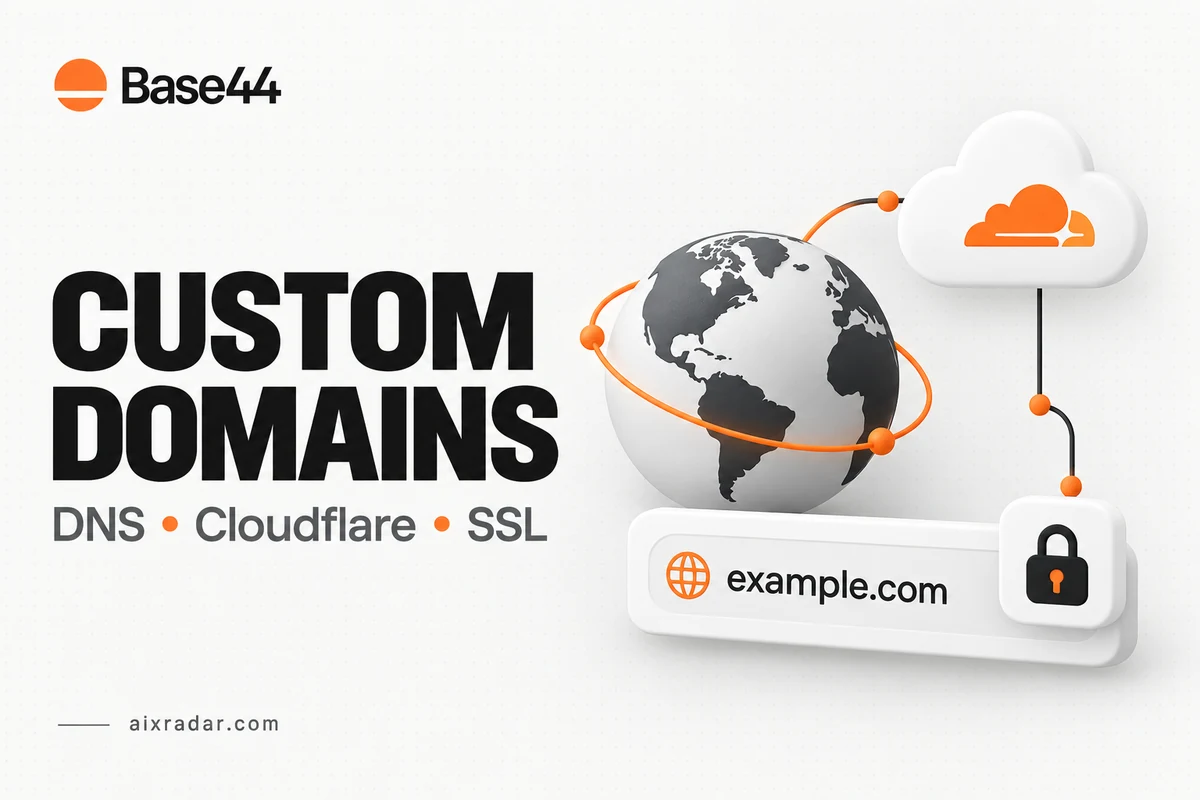

A Base44 custom domain connects an address you own to your app. The setup can be straightforward, but the important decision comes before adding DNS records: should the app replace your main website or live on a separate subdomain?
This guide helps site owners choose the right address and follow the documented connection process without confusing DNS hosting, registration and app hosting. We checked official Base44 and Cloudflare documentation on 16 October 2026. We have not connected a new domain or timed certificate issuance for this article.
Check the plan and understand who hosts what
Base44’s external-domain guide currently lists custom domains on Starter and higher plans. Your registrar continues to manage domain registration; Base44 hosts the app and handles its SSL certificate after verification and correct DNS resolution.
Three names can appear in the process without being interchangeable. The registrar is where the domain is registered. The authoritative DNS provider stores the records used to find services. The app host serves the application. These can be different companies.
Check the Base44 plan and running-cost guide before purchasing. Custom-domain eligibility should not be confused with the separate plan requirement for code export. You may need one capability without needing the other.
Choose a root domain or an app subdomain
| Illustrative address | Intended use | Decision before setup |
|---|---|---|
example.com | The app is the main destination | Confirm what currently uses the root address |
www.example.com | A companion address for the main site | Check the host’s supported redirect behavior |
app.example.com | The app sits beside an existing website | Keep unrelated website hostnames unchanged |
For example, a consultant might keep a WordPress marketing site at the root and put a customer tool at app.example.com. The app can then have its own destination without moving the public blog. That is an architectural choice, not a claim that we deployed or tested this example.
List the addresses your customers already use, including links in email signatures and bookmarks. A technically successful connection can still confuse people if the intended address was never agreed.
Preserve the records before approving a connection
Take a private record of the relevant DNS entries, including type, name, value, proxy state and TTL. Identify who can restore the previous values. This is a small recovery step, not a reason to copy passwords or API tokens into a document.
Base44 warns that its assisted setup can replace records for the names you connect. A website previously served at those names may stop resolving. Its guide says the process does not change MX or TXT records. Still review the actual proposed changes rather than assuming that every record in your account belongs to the app.
Keep email-related records and unrelated subdomains out of a website move. If the current site has several services, assign each record a purpose before making changes. A vague instruction to “delete the old DNS” is too broad for a working business domain.
Use the dashboard’s connection instructions
The documented entry point is Dashboard → Domains → Connect existing domain. Base44 offers an assisted connection and a manual route through its DNS instructions. Use the exact address you chose, then review the values and changes for that address.
For manual setup, copy the required record types and values from the dashboard. This article deliberately does not present a fixed server address as a permanent answer. Provider infrastructure and account-specific instructions can change; the current connection panel is the appropriate reference.
After saving, use Base44’s verification control and retain the result. Avoid repeatedly switching between different suggested configurations. A change log with the time and values is more useful than several rounds of edits made from memory.
What DNS-only means in Cloudflare
Base44’s domain guidance calls for its related Cloudflare records to be DNS-only. Cloudflare explains that DNS-only records send visitors directly to the origin, while proxied records route web traffic through Cloudflare. This is a routing difference, not just a dashboard color preference. See Cloudflare’s proxy-status documentation.
Consequently, do not describe DNS-only setup as retaining Cloudflare’s proxy caching or web firewall protection for that hostname. Cloudflare can still be the DNS provider, but those HTTP proxy features are a separate layer.
Apply the host’s required setting to the Base44 hostname rather than turning proxying off for every site in the zone. If Cloudflare is already authoritative, connecting the app does not by itself justify moving nameservers again. When a full DNS-provider change really is needed, follow Cloudflare’s nameserver setup process and account for all existing services.
Troubleshoot the symptom you actually see
Separate three observations: whether DNS points to the intended service, whether Base44 recognizes the domain, and whether HTTPS works for the exact address. “SSL is broken” is not a complete diagnosis if the hostname still points to an old host.
Base44 identifies conflicting AAAA records and restrictive CAA records as possible connection or certificate problems. Limit any correction to the affected hostname and the certificate requirements in the official guide; do not delete the entire zone’s records as a general troubleshooting step.
For a pending connection, record the hostname, current DNS answer, last edit time and the error shown by Base44. Its documentation allows up to 48 hours for external DNS propagation. Treat that as a provider allowance, not a guarantee that every delay is merely propagation.
If the root works but another address fails, inspect that address separately. The guide describes limitations and additional requirements for some domain and subdomain variants. Do not assume one working hostname proves every variation is registered with the app.
Verify the connection before sending visitors
Use a small acceptance checklist: open the intended HTTPS address, confirm it serves the correct app, inspect a representative page and check that any existing website and email service still work. These are proposed checks for your setup, not completed test results from this article.
Keep the previous DNS values until the new destination is accepted. Then update customer-facing links consistently. If the app is part of a broader build, the AI coding collection provides related software guides, while the Base44 pricing article covers ongoing allowances.
If a later move is part of the plan, review Base44 code and data portability separately. Owning the domain does not establish that the app can run independently of its hosted services.
A successful domain connection should leave you with a clear record of the chosen hostname, its destination and who controls the next change. That record is more useful than a screenshot of a green status alone.
Frequently asked questions
Does Base44 require Builder for a custom domain?
The current external-domain documentation says Starter and above. Builder is relevant to other capabilities, including the documented code-export route.
Should Base44 records be proxied through Cloudflare?
Base44’s current guide specifies DNS-only for its related records. Follow that hostname-specific instruction and understand that Cloudflare HTTP proxy features do not apply to DNS-only traffic.
Can I keep my existing website and use Base44 on a subdomain?
Base44 documents connecting a specific subdomain. Plan the records for that address separately so the existing website’s hostnames retain their intended destination.
Why is my Base44 domain still showing an SSL error?
Check verification status and the DNS records against Base44’s current instructions, including conflicting records and proxy status. Allow the documented propagation window and retain the exact error for support.