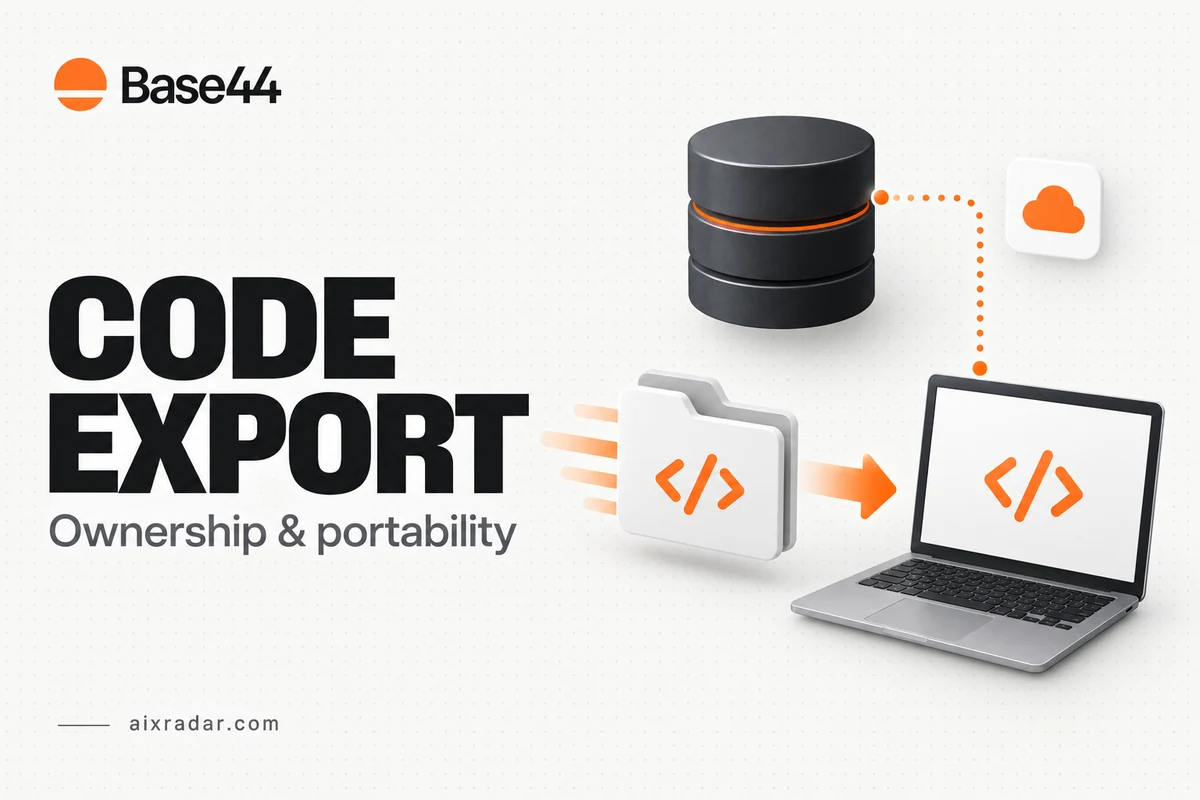

Base44 code export gives you access to app files, but a downloaded project is only one part of taking an application elsewhere. Data, uploaded files, authentication and connected services deserve separate attention. The useful question is not simply whether you can download code; it is what your app still depends on after that download.
This guide is for founders, freelancers and small teams evaluating ownership and portability before committing to a workflow. It uses official Base44 documentation checked on 16 October 2026. We have not performed a new export, migration or independent hosting test.
What Base44 officially lets you export
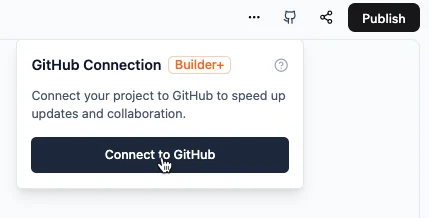
The developer-tools guide describes downloading a project as a ZIP file from the editor’s actions menu and connecting it to GitHub. Both routes require Builder or higher. That requirement differs from access to viewing code or using a custom domain.
Choose ZIP when you need a dated snapshot for inspection or handover. Choose a repository workflow when changes need a reviewable history and collaboration. Neither choice, by itself, demonstrates that the entire service can run independently.
Before upgrading for an export feature, compare the feature with the specific handover you need. Our Base44 pricing guide separates plan costs and allowances. Paying for a download is not the same decision as budgeting for a new backend or a migration engineer.
Ownership and portability are different questions
Base44’s terms of service address customer data, generated output and platform intellectual property separately. They also assign responsibilities for backups and customer-managed deployments. Read those distinctions before promising a client unrestricted ownership of every component involved in the application.
In practical terms, you can have rights in an app’s code while still relying on a provider for a running service. An account-login screen may be part of the project, while the system that creates sessions and authorizes access is a separate dependency. The visual presence of a feature in exported files does not prove the supporting service is included.
For a client project, record who controls the Base44 workspace, repository and domain. A handover is incomplete when the client receives a ZIP but cannot access the account that operates the app. Use accounts and repository permissions belonging to the intended owner rather than treating a freelancer’s personal account as a permanent dependency.
Make an export inventory before moving anything
| Layer | What to collect or inspect | Question to resolve |
|---|---|---|
| App code | Dated ZIP or repository snapshot | Can the receiving developer identify the version? |
| Business records | Table-by-table data exports | Are all required rows included? |
| Files | Inventory of uploaded assets and their references | Do records point to remote files that must remain available? |
| Identity and access | Authentication and permission requirements | How will users sign in after a change? |
| Integrations | Provider list, account owners and configuration requirements | Which services will still need paid access? |
| Operations | Domain, deployment and recovery notes | Who can restore the last working version? |
This inventory turns “we own the code” into questions someone can actually answer. Mark uncertain items explicitly. A blank cell should become a follow-up task, not an assumption that the export handled it.
Keep domain ownership and setup in that handover record too. Connecting an address to the current app and exporting the app are separate tasks, so record who can change its DNS.
Export data separately and watch active filters
Base44’s data-management documentation describes CSV export from a table’s actions menu. If search or filtering is active, the export includes the matching records rather than automatically including every row.
For a complete backup, record the table name, export date and intended scope. Inspect whether a filter or search is active before downloading. For a deliberately filtered report, preserve the filter conditions alongside the file so the reader knows which records it represents.
Consider an illustrative customer list: the dashboard is filtered to active customers when an operator exports it. The download may be perfectly valid for an email campaign and still be unsuitable as the only backup. The problem is not a corrupt file; it is a mismatch between the chosen scope and the purpose of the export.
Check a few known records and compare the row count with the intended scope. Preserve identifiers and relationships between tables. If a field contains a file URL, inspect whether you also have the referenced file; a text reference is not itself a copy of the asset.
What a local frontend still depends on
The developer-tools guide explains that local frontend development can connect to Base44’s hosted backend for data and functions. The official developer overview also describes the platform’s API, SDK and CLI route. This supports external development, but it is not evidence that exporting automatically replaces managed services.
Draw a simple dependency map for your app: browser, data store, login, functions, files and external providers. Label where each component runs. If a service remains on Base44, include it in the operating budget even when the frontend is hosted somewhere else.
If the goal is to remove that dependency, ask a developer to estimate replacement work by function rather than by page count. Ten visually simple pages can still rely on complicated permissions, scheduled jobs or payment behavior.
A sensible handover acceptance checklist
Before treating a migration as complete, ask the receiving team to demonstrate the agreed scope on a non-production copy. That future verification should cover loading the app, signing in with test users, reading and updating representative records, accessing files and exercising critical integrations.
Write the checks before the migration. Include expected behavior and the evidence to retain. For instance, “an editor can update a dummy product while a viewer cannot” is more useful than “permissions look good.” This guide proposes acceptance checks; it does not claim they have passed for an exported Base44 app.
Retain the original running app until the agreed replacement is verified and a recovery method exists. Keep private configuration separate from source-code handovers, and use the receiving platform’s supported secret storage for credentials.
Make the purchase decision around your exit requirement
Someone who needs a repository for version control has a different requirement from someone who must operate without Base44 services. Put that requirement in writing before buying an annual plan. If you are comparing the cost of a coding assistant used in a different development workflow, our GLM Coding Plan guide explains a separate subscription category; it does not include app hosting or migration work.
A useful export plan identifies what you can take, what remains connected and what still requires verification. That is a stronger basis for choosing a tool than an unqualified promise that a ZIP makes an app portable.
Frequently asked questions
Which Base44 plan supports ZIP export and GitHub connection?
The current developer-tools documentation lists Builder and higher for both. Check the current plan entitlement before purchasing specifically for export.
Does exporting code also back up all database rows?
Do not assume that. Base44 documents a separate CSV data-export workflow. Active search or filtering can limit the rows exported.
Can an exported frontend still use Base44?
Yes. The developer documentation describes local or external frontend development connected to the hosted Base44 backend. That is a different architecture from replacing the backend.
Can I host an exported Base44 app without Base44?
A code export alone does not establish independence. Identify and replace any Base44-hosted data, authentication, functions or integrations, then verify the particular app in the intended environment.