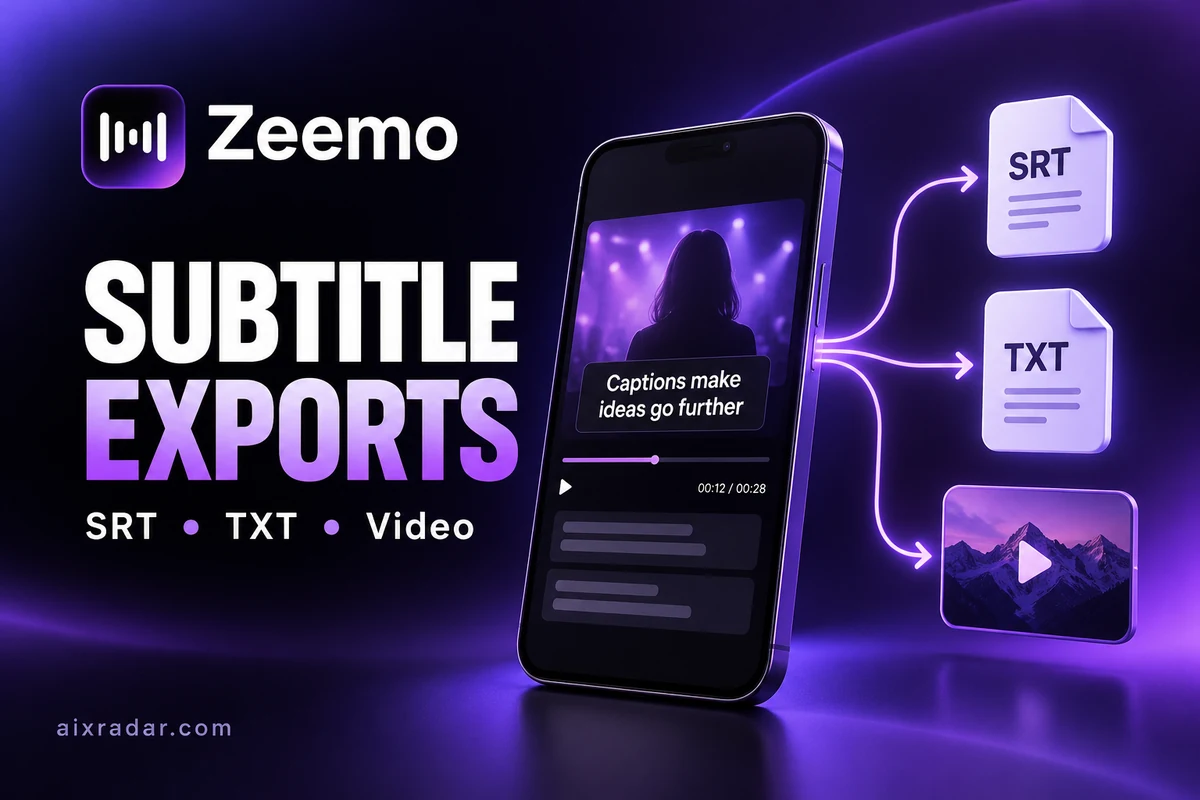

A Zeemo subtitle export can mean a reusable subtitle file, a plain transcript or a finished video with captions visible on screen. Choosing the wrong output creates unnecessary work: a TXT document is useful to an editor, but it does not give a video player the timing information needed for subtitles.
This guide explains how to choose the deliverable and review it before sending it to a client or publishing platform. We checked Zeemo’s official material on 16 October 2026. These are documented workflows and editorial checks, not results from a new caption-accuracy test.
SRT, TXT and video exports solve different problems
Zeemo’s mobile tutorial documents separate SRT and TXT subtitle downloads alongside video export. The distinction matters more than the file extension: each option preserves a different part of the job.
| Output | Best handover use | Do not assume |
|---|---|---|
| SRT subtitle file | Timed text for a compatible player, editor or upload platform | Every font, animation and visual position survives import |
| TXT transcript | Copy editing, quotations, notes or a written brief | The receiving video tool can reconstruct subtitle timing |
| Captioned video | A finished visual deliverable with captions already visible | The receiver can toggle those rendered captions off |
For a short social clip, the finished video may be the deliverable that matters. For a documentary editor, a separate subtitle file may be essential because the edit is still changing. A client can also need both. Specify the outputs before captioning so that “send the subtitles” does not become a last-minute disagreement.
How the documented Zeemo export workflow works
The mobile guide describes video export from the upper-right export control and separate subtitle-file export from the neighboring control. Its listed subtitle choices are SRT and TXT. Zeemo’s web tutorial similarly distinguishes exporting a video from exporting subtitles.
First finish the wording corrections. Next choose the deliverable required by the receiving platform. Save the output with a descriptive filename, then open that saved file in the destination where it will actually be used. The important acceptance check happens after export, rather than only in the caption editor’s preview.
The official mobile screenshots are from an older tutorial, so treat them as an explanation of the workflow rather than a promise that today’s buttons occupy identical positions. We have not signed in to verify every current account option. A visible feature in documentation is not proof that it is included in a particular free or paid account.
Why caption styling may change after SRT import
Zeemo’s FAQ discusses importing SRT into other editors, including background and formatting problems. Its suggestions include checking the receiving editor’s subtitle settings and refreshing or importing the file again. That is a reminder to inspect the destination, not a guarantee of identical styling.
Think of the handover in layers: words, timing and visual treatment. A subtitle file can carry the first two without preserving the exact appearance of the third. If the brand’s specific caption treatment is essential, agree whether your responsibility ends with editable timed text or includes a final rendered video.
For example, an agency might request a transcript for approval, an SRT for its editing team and a vertical video for social publishing. Name each deliverable separately. Do not send three copies with different extensions and assume they contain equivalent information.
A practical export review checklist
Use a small, repeatable inspection before delivery. This is a recommended review procedure, not a claim that we ran it on Zeemo:
- Confirm the version. Match the file to the final cut, language and aspect ratio.
- Read sensitive details. Check names, prices, dates, quantities and technical terms against the recording.
- Inspect timing. Look at the beginning, a middle section, the end and any edit where footage was removed.
- Review readability. Watch the captioned video at approximately the size viewers will use on a phone.
- Check the handover. Open the SRT in the receiving editor or platform and confirm it belongs to the same video.
- Keep a clean original. Retain the source recording and corrected transcript so another export does not require starting again.
A caption can be spelled correctly and still appear beside the wrong sentence. That is why a word-only proofread cannot replace a timing review. Likewise, attractive captions can cover a product label or demonstration detail. Review them in the context of the footage.
Translated subtitles need a separate review
Zeemo’s translation guide describes exporting a translated video or subtitle files such as SRT and TXT. It does not establish that a translation is suitable for every audience or technical subject.
Keep each language version clearly labeled. A practical naming scheme is a project name, language and revision, for example product-demo-urdu-v2.srt. The example is a file-management suggestion, not a prescribed Zeemo naming format.
Ask a fluent reviewer to check the intended meaning, especially for instructions, product claims and numbers. If a speaker uses an abbreviation, decide whether the audience needs the abbreviation, its expanded form or a translation. Record that choice so later revisions remain consistent.
What we can and cannot confirm about quality
The official FAQ publishes accuracy and export-quality claims. We have not independently measured those claims for this guide, so they are not a basis for calling Zeemo more accurate than another service. Noise, accents and specialist vocabulary should be assessed on the actual recording you plan to use.
When checking a paid plan, ask whether it provides the output you need, not just enough transcription minutes. A service can meet your time allowance while still being the wrong fit for an editor who needs a particular handover format.
Choose the tool for the final deliverable
For Zeemo’s existing owner-confirmed first-payment offer, see our Zeemo guide and PYEJITJ7 code. For meeting notes or an interview transcript, compare Otter’s recording and import limits. These links support different workflow decisions; they do not establish a head-to-head accuracy result.
If you are starting with an article or script rather than an existing recording, our Pictory review covers that different route. Choose the creation workflow first, then specify the caption files and finished video needed at the end.
Frequently asked questions
Can Zeemo export SRT subtitles?
Zeemo’s official mobile tutorial documents SRT export. Confirm the option and applicable entitlement in your current account before relying on it for a deadline.
Is a TXT transcript the same as an SRT file?
No. TXT is useful for reading and editing words. SRT is a timed subtitle format intended for compatible video tools and players.
Will SRT retain all my Zeemo caption styling?
Do not assume that. Inspect the imported result in the receiving tool. A finished captioned video is the appropriate deliverable when the rendered visual treatment must stay fixed.
Should I review translated subtitles before exporting?
Yes. Check names, terminology, meaning and timing separately in the translated version. An export completing successfully does not establish translation accuracy.